

TP Pixora · by TP LabWorks
TP Pixora
Batch image processing for your desktop. Resize, convert, crop, enhance and export hundreds of photos in a few clicks.
SoonNot on sale yet. These buttons switch on at launch.
macOS · WindowsBoth versions are being prepared for launch
See it in action
A quick tour of TP Pixora
Watermarks and Enhance on real product photos, from the first click to the exported batch.
Real screen recordings from the macOS development build, sped up in places. The interface may change before release.
Feature demos
Real features. Real results.
Every image below was processed or captured in TP Pixora.
Dozens of products. One pass.
Import a whole folder of mixed product photos — shoes, bags, apparel, cosmetics, electronics — then apply the same settings to every file.
- Import whole folders at once
- One set of tools for the entire batch
- Export everything in one go
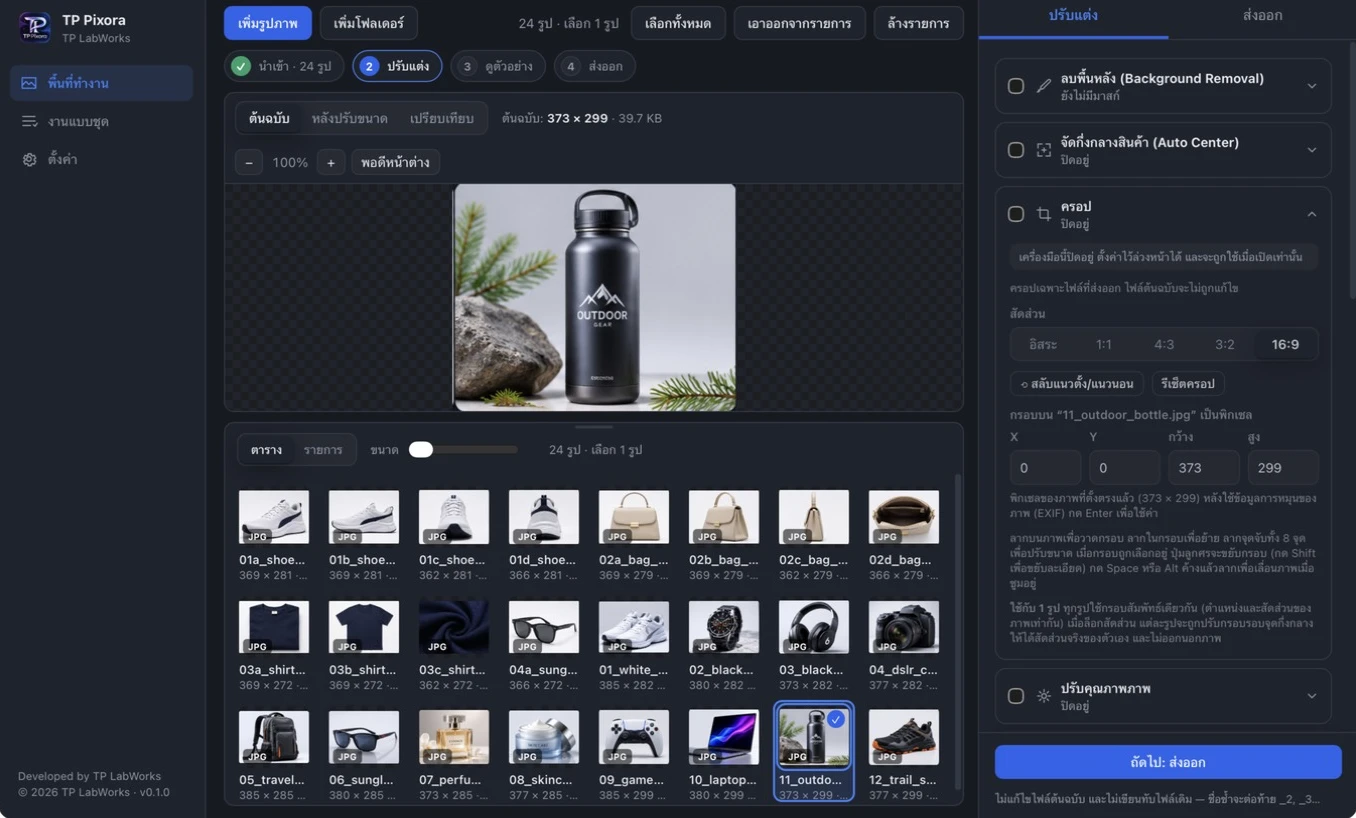
One canvas size for every photo
Pick a preset or type your own size, then choose how photos fit the canvas. Export as JPEG, PNG or WebP.
- Presets from 800×800 to 1920×1080
- Fit, Fill or Padding modes
- JPEG, PNG and WebP output
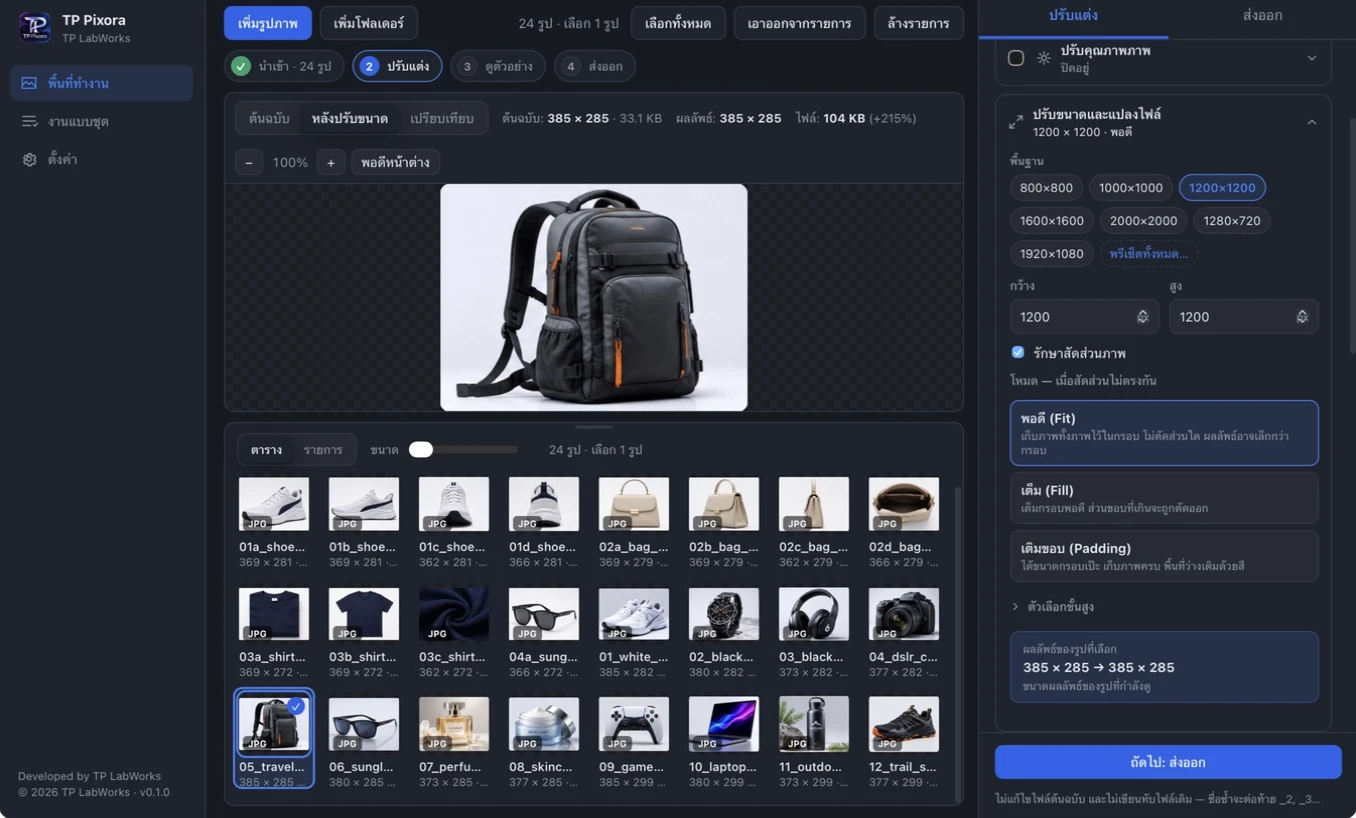
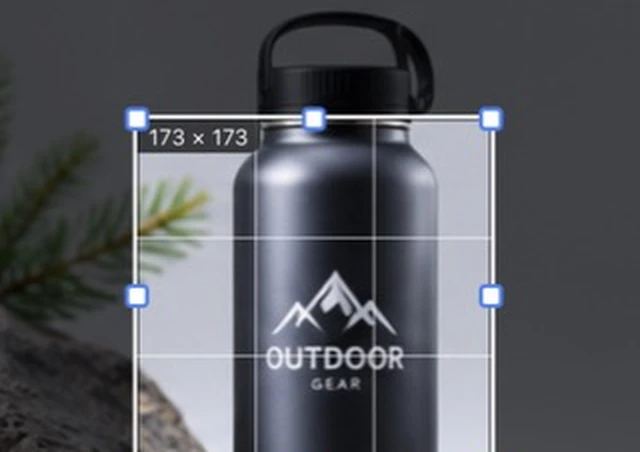
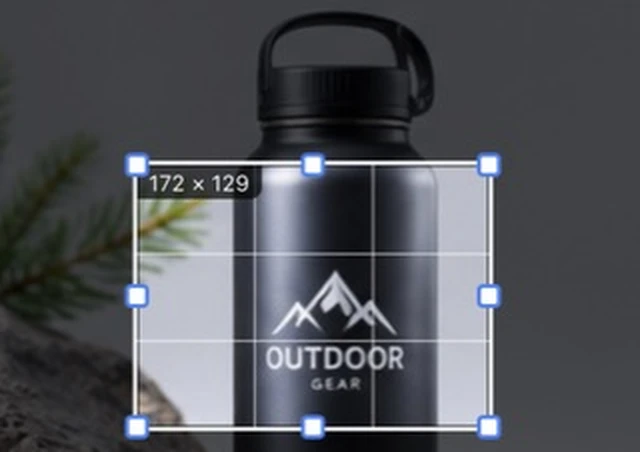
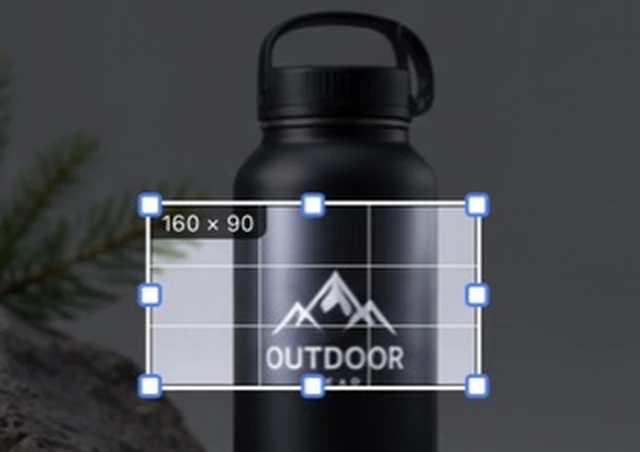
Frame it 1:1, 4:3 or 16:9
Drag the frame or lock a ratio, and see exactly what will be cropped before you export. Your originals are never changed.
Start automatic. Finish by hand.
Let Auto Enhance suggest a starting point, then fine-tune light and color with sliders while the preview updates live. Enhance never touches your original files.
- Auto Enhance as a starting point
- Sliders for light, color and sharpness
- Live preview before export
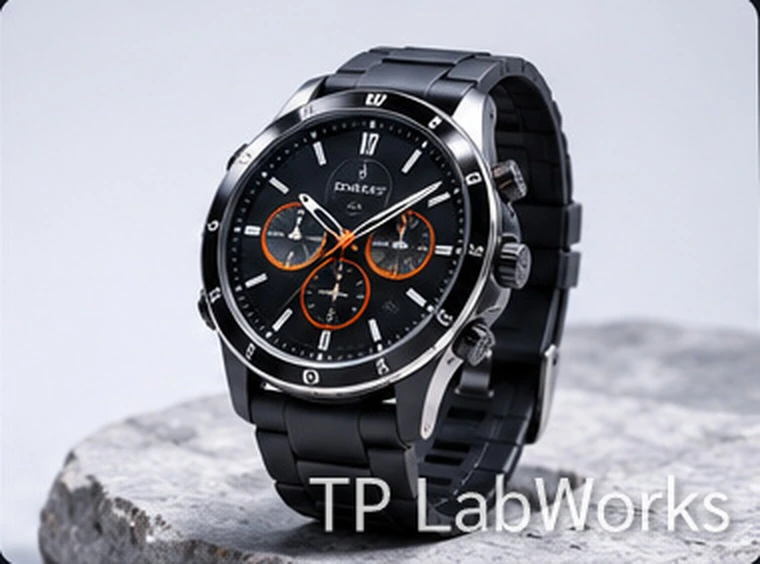
Brand every photo in one go
Add your name or a © line as text. Choose font, size, color, opacity and alignment, pick one of nine positions or tile it across the photo, and preview it live before you export.
- Text watermark with font, size, color and opacity
- Nine positions, or tiled across the photo
- Applied to exported files only
Cut products out of any background
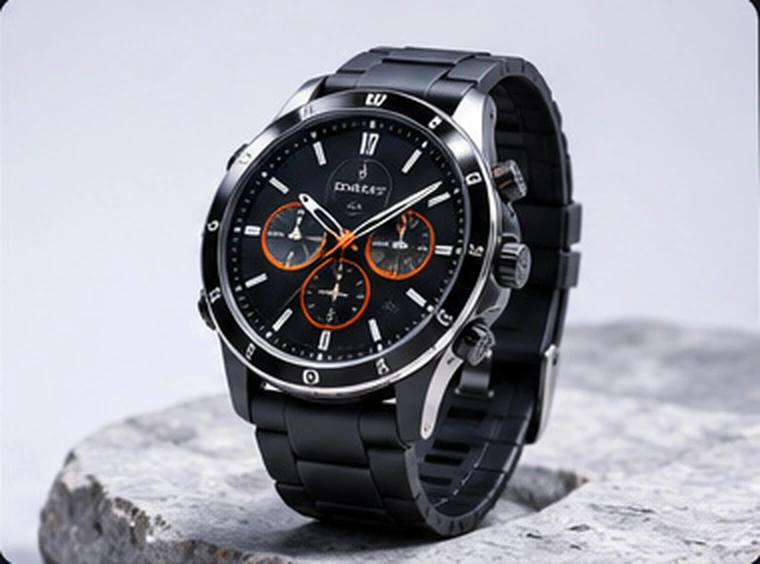
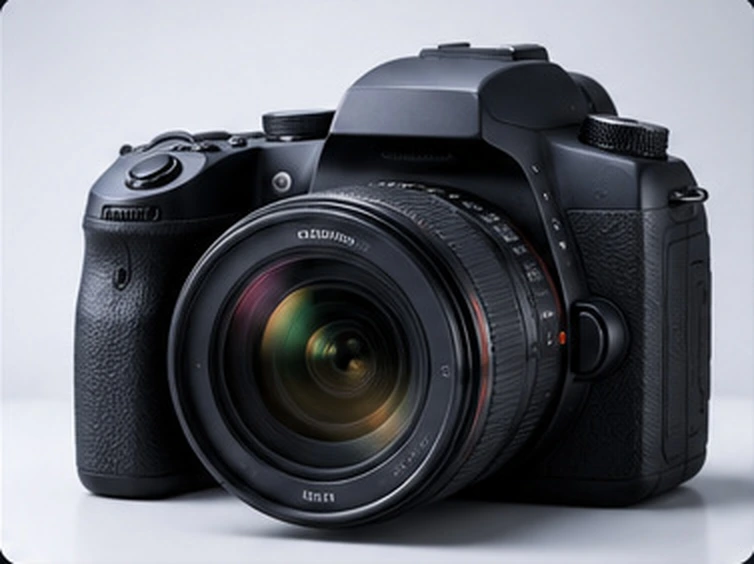
Offline AI removes the background and keeps the product edges. Refine the mask with erase and restore brushes, then export a transparent PNG.
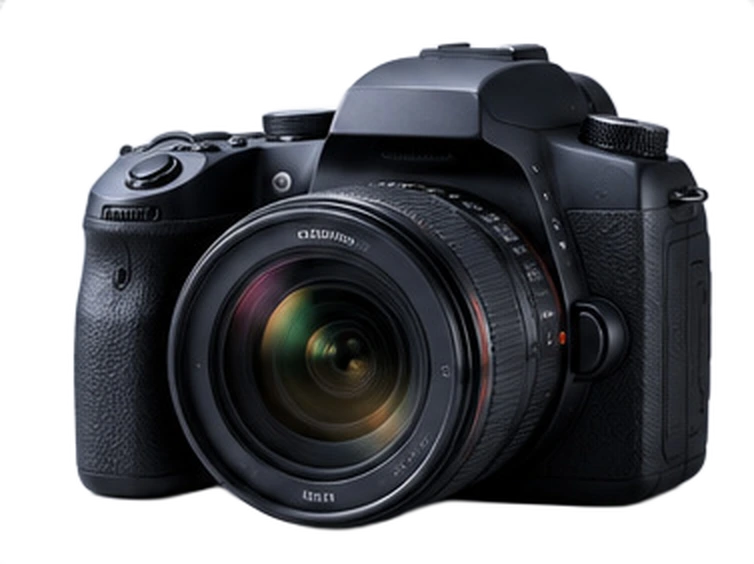
- Runs offline on your computer
- Transparent PNG output
- Erase and restore brushes to refine
Real output exported from a TP Pixora development build
How it works
From a folder of photos to finished files
Four steps. Click through them to see the real app.
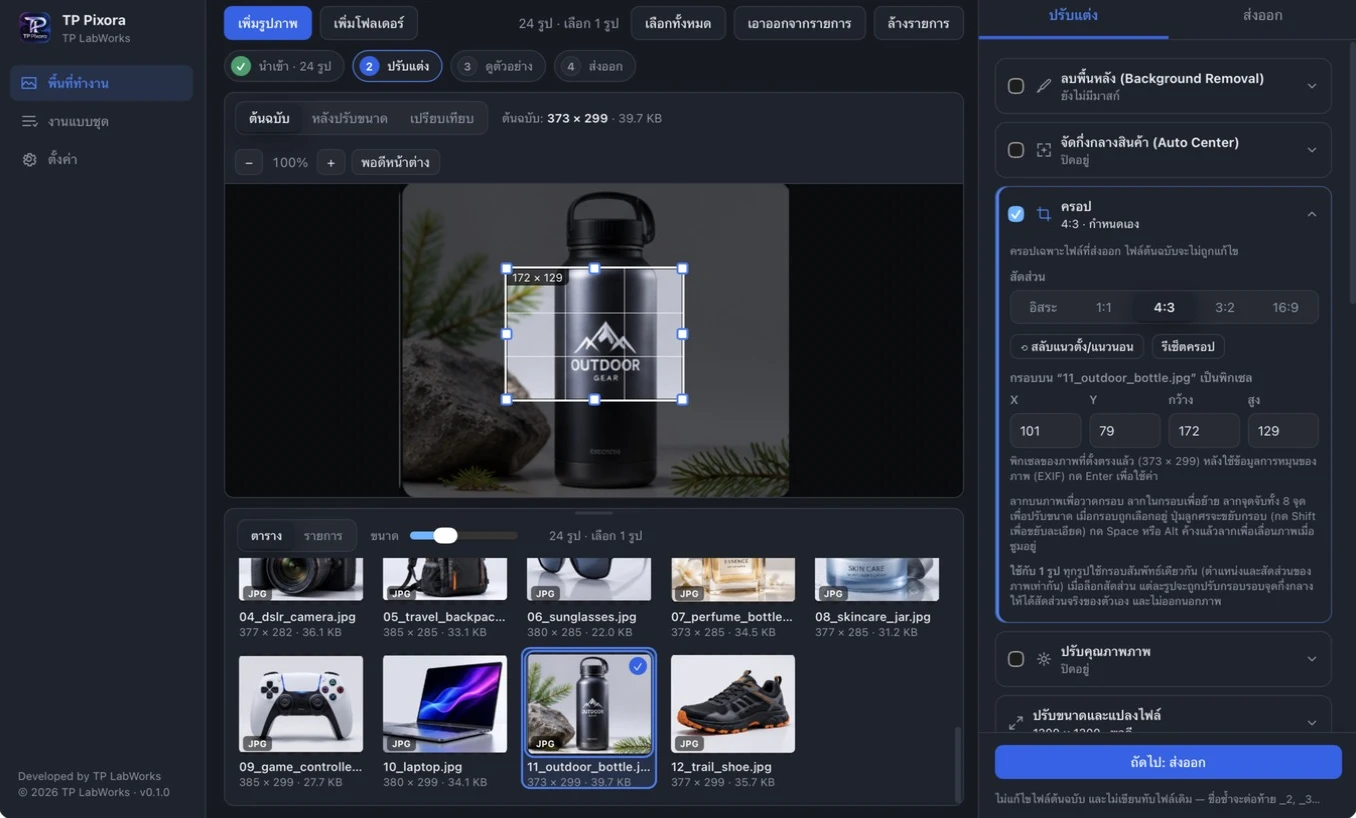
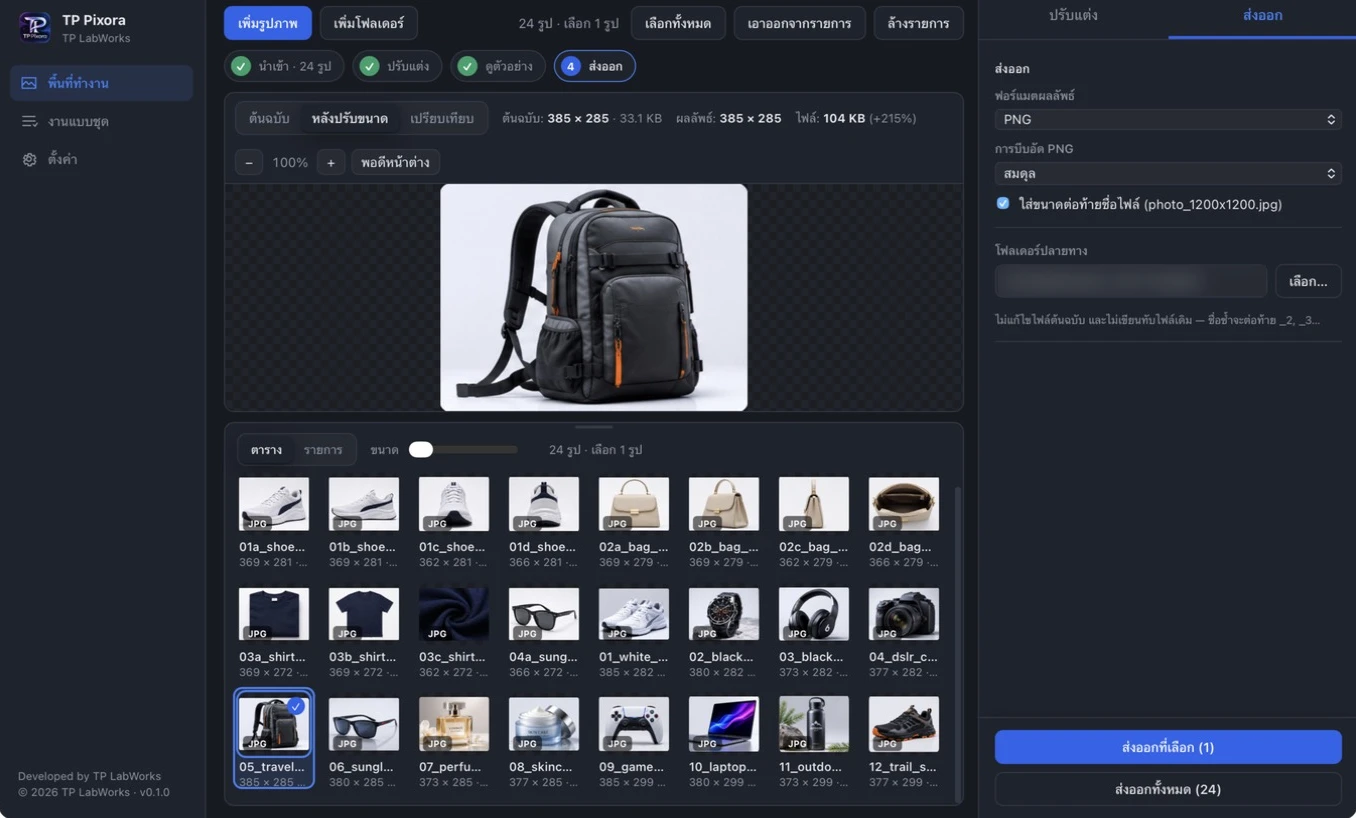
Screenshots
A closer look
Select any screen to view it full size.
Captured from a macOS development build with sample photos. The interface may change before release.
Pricing
Simple pricing. Pay once.
฿790
one-time purchase, per device
- 7-day free trial
- No subscription
- Thai and English interface
- Free to try before you buy
TP Pixora is not on sale yet. These buttons switch on when it launches.
Made for Mac and Windows
- macOSApple SiliconComing soon
- Windows 10 / 1164-bitPlanned
FAQ
Questions, answered
When can I buy or download it?
Soon. This site is ready for launch and the buttons switch on as soon as TP Pixora is released. Nothing is on sale today.
How much does it cost?
฿790 per device as a one-time purchase, with a 7-day free trial.
Which computers will it run on?
macOS on Apple Silicon is first. Windows 10 and 11 are planned.
Will my original photos change?
No. Results are saved as new files in an output folder you choose.
Do my photos leave my computer?
No. Image processing is designed to run locally on your device.
Does it work in Thai?
Yes. The interface is available in Thai and English.
Spend less time on photo chores
Try TP Pixora free for 7 days when it launches. ฿790 one-time per device if you keep it.